2.5 Template
When open application,the window contain (will appear on the right) list of templates that it can be used to build state automa. Templates are pre-defined and configurable structures that are assembling to build a state automa,which will in turn become part of a proman project.
Each of these templates consists of a set of instructions executing tasks. For example,a template verifies in a table whether the data entered by the terminal corresponds to that in the registry,another could save the value received from the terminal in the proman variables.Templates are in TPL extensions files in the same directory as the proman design executable.In this view you can see the name of the template file,name of the template and types of supported state machines.
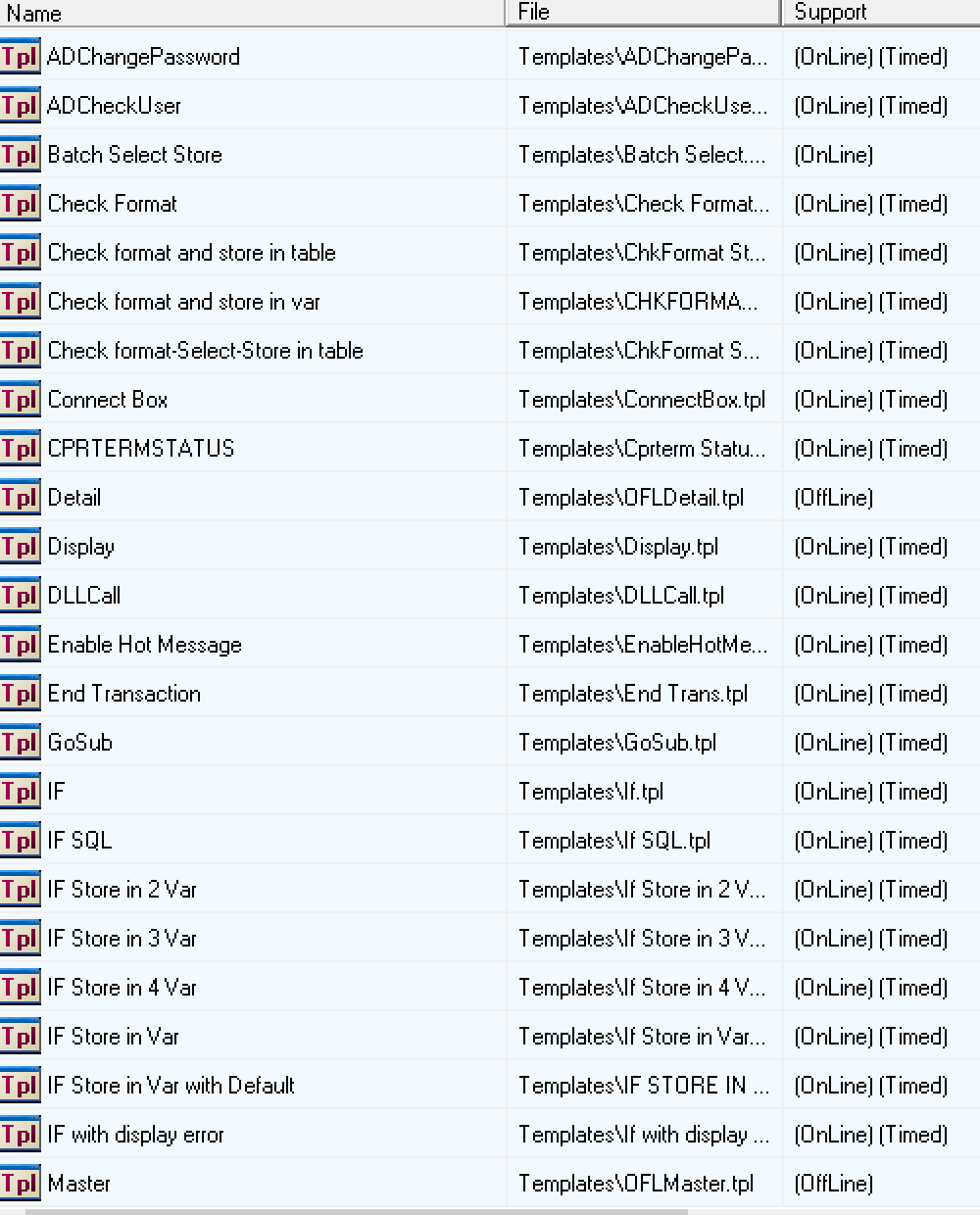
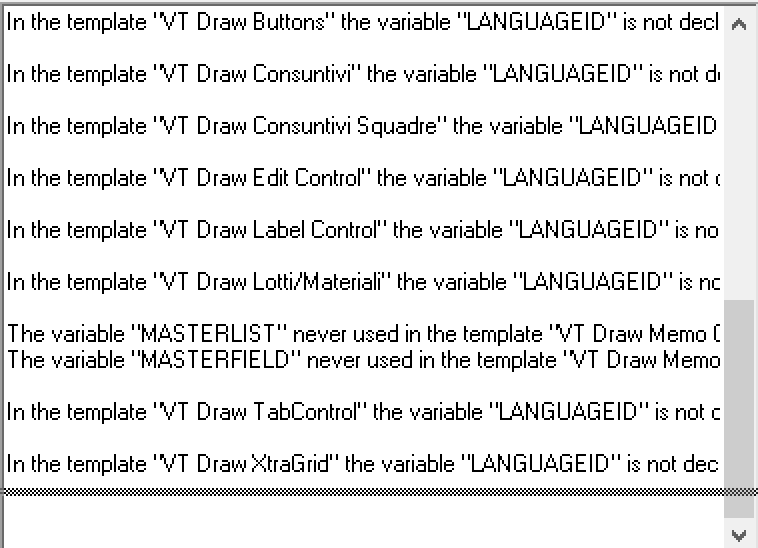
By clicking right mouse button,you can refresh the templates,edit a template or change view. In section under the list of templates,a text box that displays any errors found in templates. If there are no errors in templates,the box is not visible.
You can hide template window using tpl toolbar button.In the next chapter there are all templates with corresponding functional description.They can be divided into two operating and graphic categories.
Created with the Personal Edition of HelpNDoc: Generate EPub eBooks with ease