3.2 Start terminal
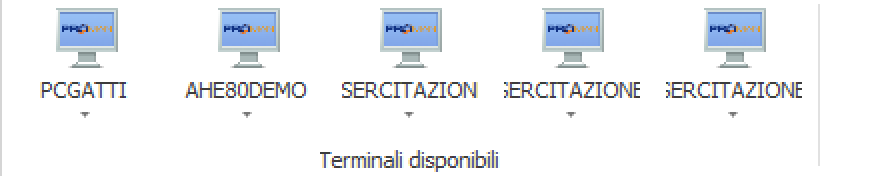
At this point we just have to see how to connect to the terminal and start it, very simple operation, first select the terminal that interests us from the top menu:
Once selected, press the connect button that you will find on the right, if everything is configured correctly the terminal will start showing you your project, i will show you an example:
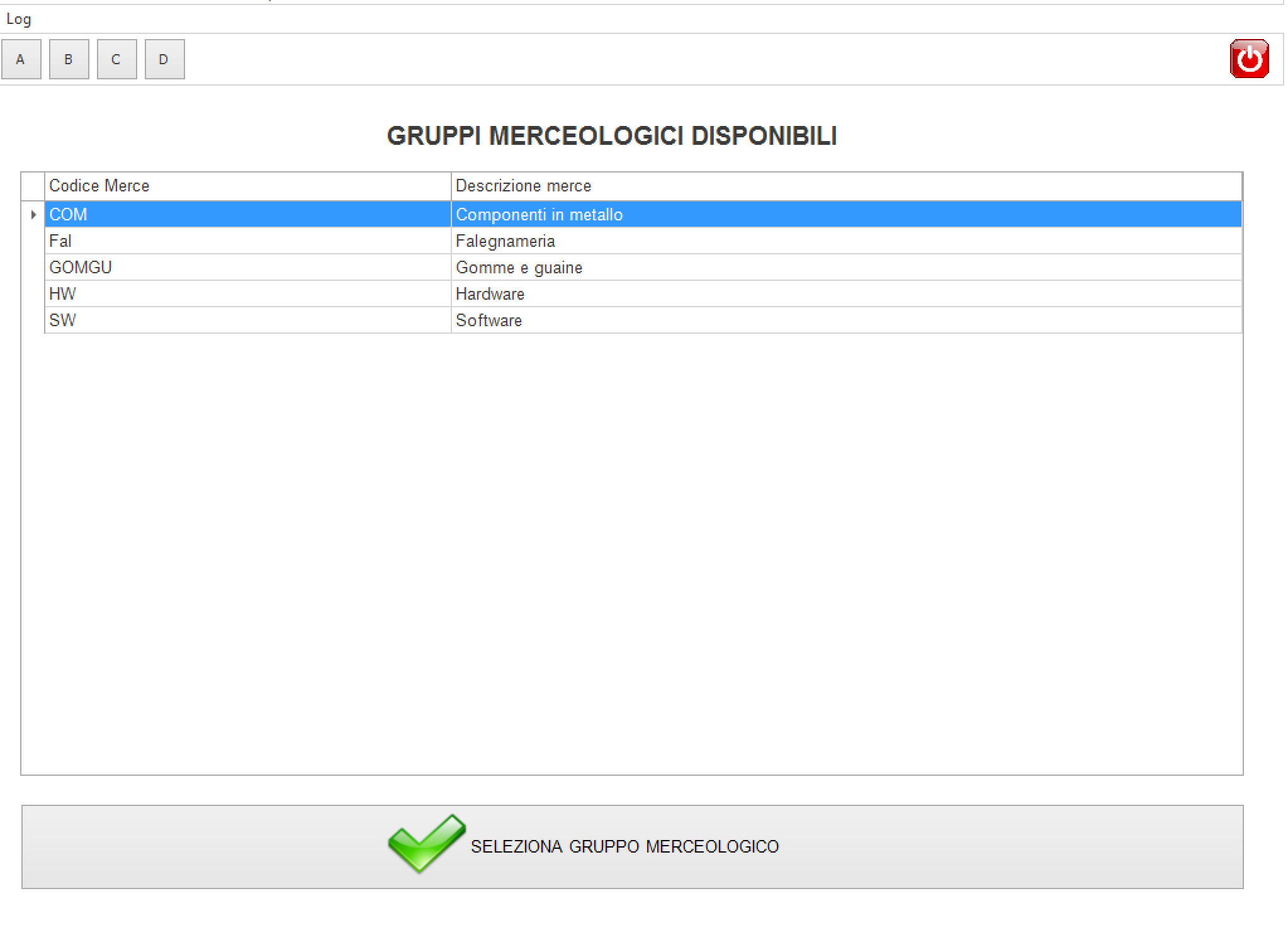
In this case, the input bar has been disabled in the template, but the operation is analogous. Another utility to consider is logging, which is very useful as it allows us to see if the events of our system (called sql, canvas , Call to the terminal and socket communications) are happening correctly, if you click on the log icon at the top left you will find the following screen:
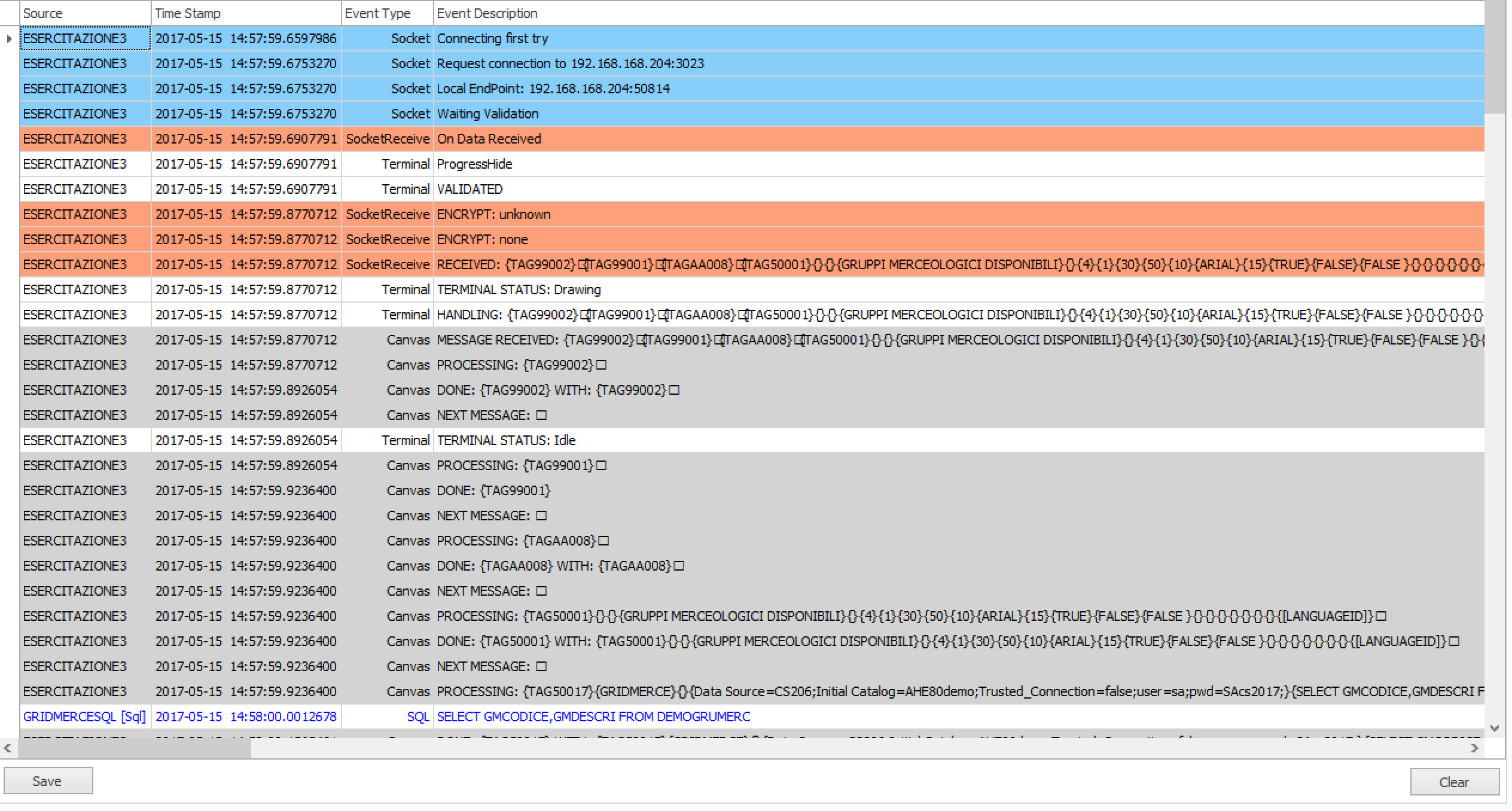
With save text we can save the log to a file, and clean the log screen with the clear key.
Created with the Personal Edition of HelpNDoc: Create cross-platform Qt Help files